All of the Parish Headlines classes are built with the use of variables. This means that any changes you want to make to the particle can be done easily with a short line of CSS.
These are the default variables for all Parish Headlines:
    --ph-sq-size: 20vw;
    --ph-g-title-color: var(--primary-color);
    --ph-g-title-font: var(--title-font-family);
    --ph-g-title-size: 3vw;
    --ph-g-title-weight: 400;
    --ph-title-color: var(--primary-color);
    --ph-title-hover: var(--secondary-color);
    --ph-title-font: var(--title-font-family);
    --ph-title-weight: 400;
    --ph-text-color: var(--default-white);
    --ph-text-font: var(--body-font-family);
    --ph-button-color: var(--secondary-color);
    --ph-button-font-size-desktop: var(--ph-text-font-size-desktop);
    --ph-button-font-size-mobile: var(--ph-text-font-size-mobile);
    --ph-content-effect-bg-1: var(--default-white);
    --ph-content-effect-bg-2: rgba(var(--primary-rgb),.1);
    --ph-box-shadow: var(--default-box-shadow);
    --ph-read-more-color: var(--primary-color);
    --ph-read-more-background: var(--transparent);
    --ph-border-bottom: 4px solid var(--secondary-color);
    --ph-background-color: rgba(var(--primary-rgb),.7);
    --ph-background-hover: rgba(var(--primary-rgb),.2);
    --ph-pagination-background: var(--primary-color);
    --ph-pagination-background-hover: var(--secondary-color);
    --ph-title-font-size-desktop: 1.7vw;
    --ph-text-font-size-desktop: 1.2rem;
    --ph-title-font-size-mobile: 6vw;
    --ph-text-font-size-mobile: 1.1rem;
    --ph-border-radius: 0;
    --ph-width: 20vw;
    --ph-height: calc(var(--ph-width) * 4/3);
    --ph-columns-img-size: 10vw;

    --aspect-width-16-9: 16/9;
    --aspect-height-16-9: 9/16;
    --aspect-width-uw: 2.39/1;
    --aspect-height-uw: 1/2.39;
    --aspect-width-sw: 3.6/1;
    --aspect-height-sw: 1/3.6;
    --aspect-width-wide: 16/9;
    --aspect-height-wide: 9/16;
    --aspect-width-standard: 4/3;
    --aspect-height-standard: 3/4;
    --aspect-width-square: 1/1;
    --aspect-height-square: 1/1;
    --aspect-width-portrait: 3/4;
    --aspect-height-portrait: 4/3;

    --ph-sq-gap: 1rem;
    --ph-title-height: 4vw;
    --ph-big-title-height: var(--ph-title-height);
    --ph-small-title-height: calc(var(--ph-big-title-height) / 2);
    --ph-big-title-fit-desktop: calc(var(--ph-title-height) + var(--ph-sq-gap));
    --ph-big-sq-size: var(--ph-sq-size);
    --ph-small-sq-size: calc(var(--ph-big-sq-size) / 2);
    --ph-big-sq-height-wide: calc(var(--ph-big-sq-size) + var(--ph-big-title-fit-desktop));
    --ph-big-sq-width-wide: calc(var(--ph-big-sq-size) * var(--aspect-width-wide));
    --ph-small-sq-height-wide: calc(var(--ph-small-sq-size) + var(--ph-small-title-height));
    --ph-small-sq-width-wide: calc(var(--ph-small-sq-size) * var(--aspect-width-wide));
NOTE: If there is more than one Parish Headlines particle used on a site you must use the class name to set variables per particle.
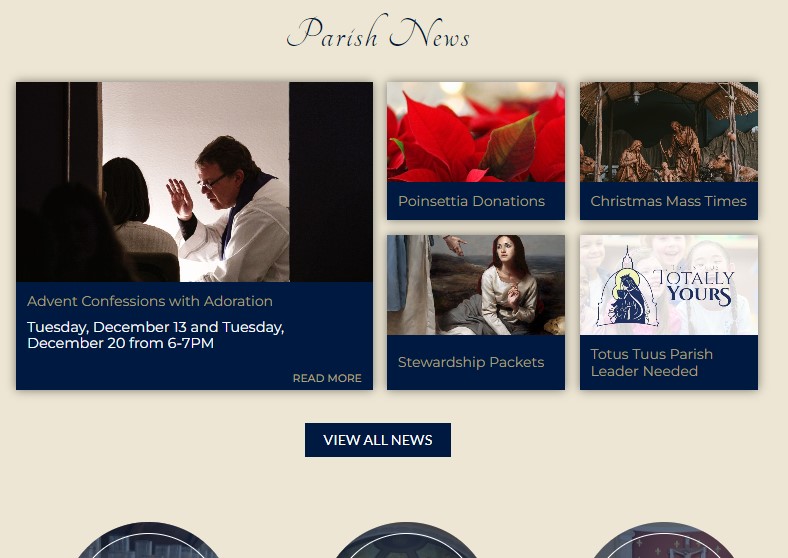
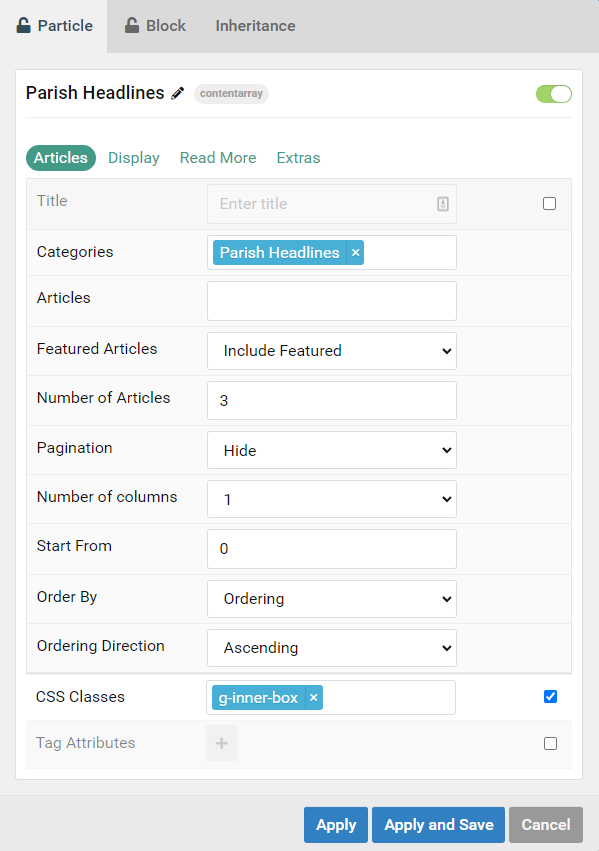
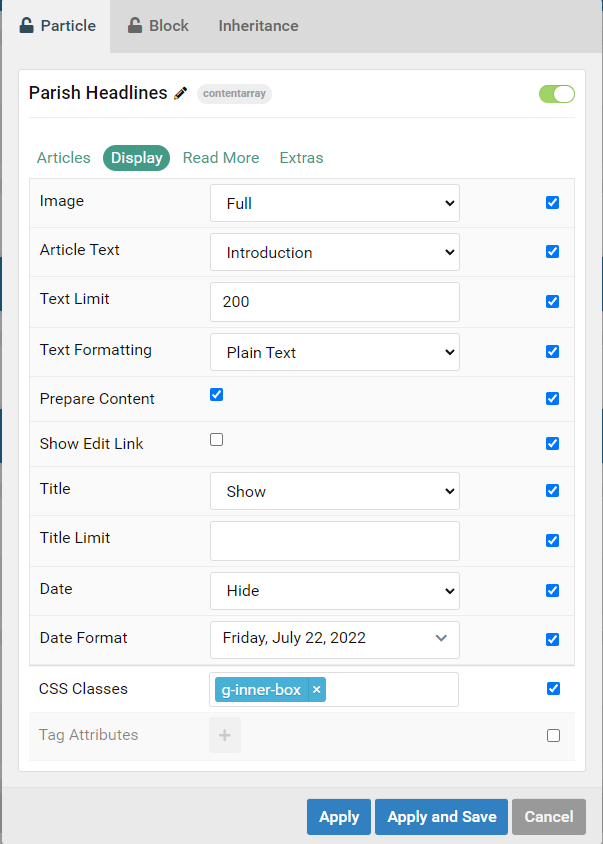
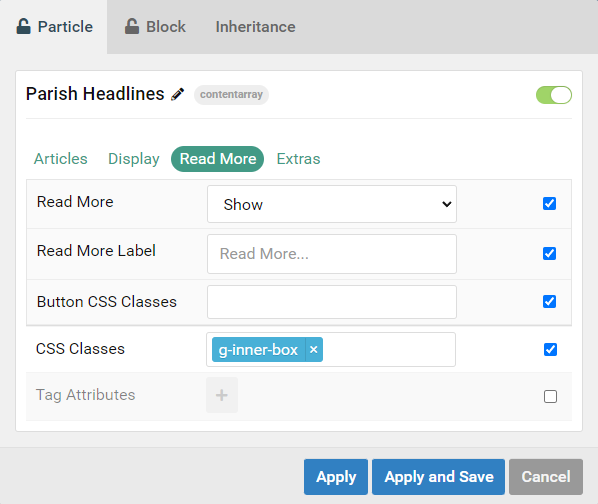
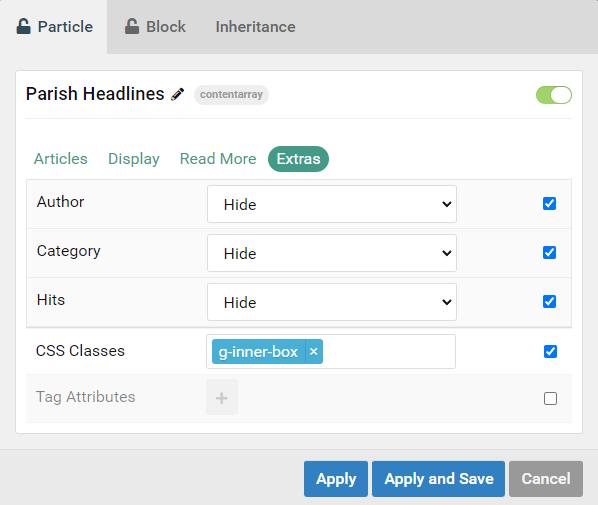
Ph-Sq-4 Gantry Particle Settings
"Articles" Settings
"Display" Settings
"Read More" Settings
"Extras" Settings
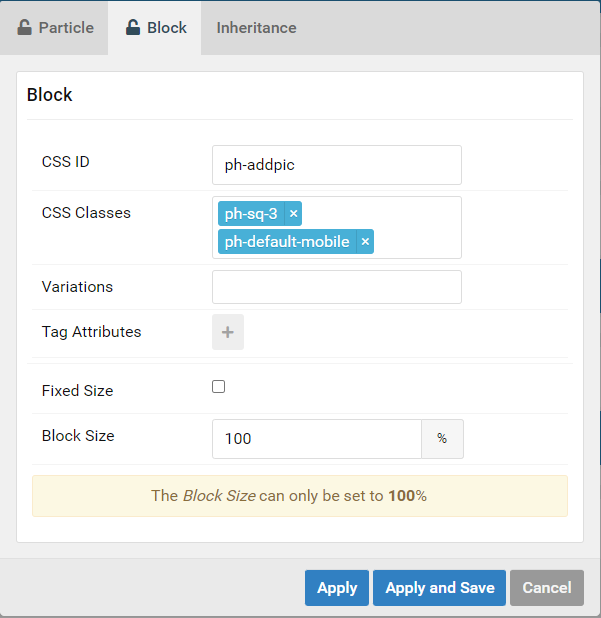
Ph-Sq-4 Gantry Block Settings (Classes Applied)
"Block" Settings