
ph-title-row ph-card-mobile ph-wide animate-headlines
Commonly changed variables for ph-title-row and ph-card-mobile
.ph-title-row {
--ph-g-title-font: var(--title-font-family);
--ph-g-title-weight: 400;
--ph-g-title-text-tranform: none;
--ph-g-title-variant-caps: normal;
--ph-g-title-margin: 0 25% 4vw 25%;
--ph-g-title-padding: 0;
--ph-g-title-size: 3vw;
--ph-g-title-border-bottom: var(--ph-g-title-border-bottom-size) var(--ph-g-title-border-bottom-type) var(--ph-g-title-border-bottom-color);
--ph-g-title-border-bottom-size: 2px;
--ph-g-title-border-bottom-type: solid;
--ph-g-title-border-bottom-color: var(--secondary-color);
--ph-g-title-line-height: 1.5;
--ph-gap: 3vw;
--ph-box-shadow: 4px 4px 6px rgba(0,0,0,.5);
--ph-box-shadow-hover: 8px 8px 10px rgba(0,0,0,.6);
--ph-border-radius: 1rem;
--ph-title-color: var(--primary-color);
--ph-title-font: var(--title-font-family);
--ph-title-text-transform: uppercase;
--ph-title-variant-caps: normal;
--ph-title-letter-spacing: 3px;
--ph-title-font-size-desktop: 1.5vw;
}
.ph-card-mobile {
--ph-g-title-font: var(--title-font-family);
--ph-g-title-weight: 400;
--ph-g-title-text-tranform: none;
--ph-g-title-variant-caps: normal;
--ph-g-title-margin: 0 0 2vw 0;
--ph-g-title-padding: 0;
--ph-g-title-size: 6vw;
--ph-g-title-border-bottom: var(--ph-g-title-border-bottom-size) var(--ph-g-title-border-bottom-type) var(--ph-g-title-border-bottom-color);
--ph-g-title-border-bottom-size: 0;
--ph-g-title-border-bottom-type: unset;
--ph-g-title-border-bottom-color: unset;
--ph-g-title-line-height: 1.5;
--ph-gap: 1rem;
--ph-flex-gap: calc(var(--ph-flex) - var(--ph-num-cols-gaps-quotient));
--ph-border-radius: 1rem;
--ph-background-color: var(--secondary-color);
--ph-box-shadow: 3px 3px 5px rgba(0,0,0,.5);
--ph-title-font-size-mobile: 6vw;
--ph-title-color: var(--primary-color);
--ph-title-font: var(--title-font-family);
--ph-title-weight: 400;
--ph-title-text-transform: none;
--ph-title-variant-caps: normal;
--ph-title-letter-spacing: normal;
--ph-text-font: var(--body-font-family);
--ph-text-font-size-mobile: 4vw;
--ph-text-color: var(--primary-color);
--ph-text-weight: 400;
--ph-text-line-height: 1;
}
If you are looking to change more settings for a class use the inspect element to find the variable you are looking for
***NOTE*** Due to the variables being declared under their class name, when updating the variables in the Override.css file you will need to place the updated declarations within their corresponding class name in order for the changes to be made. Not under .site-1 or body variable. This is different than most classes.
ph-sidepics-3 ph-card-mobile ph-standard
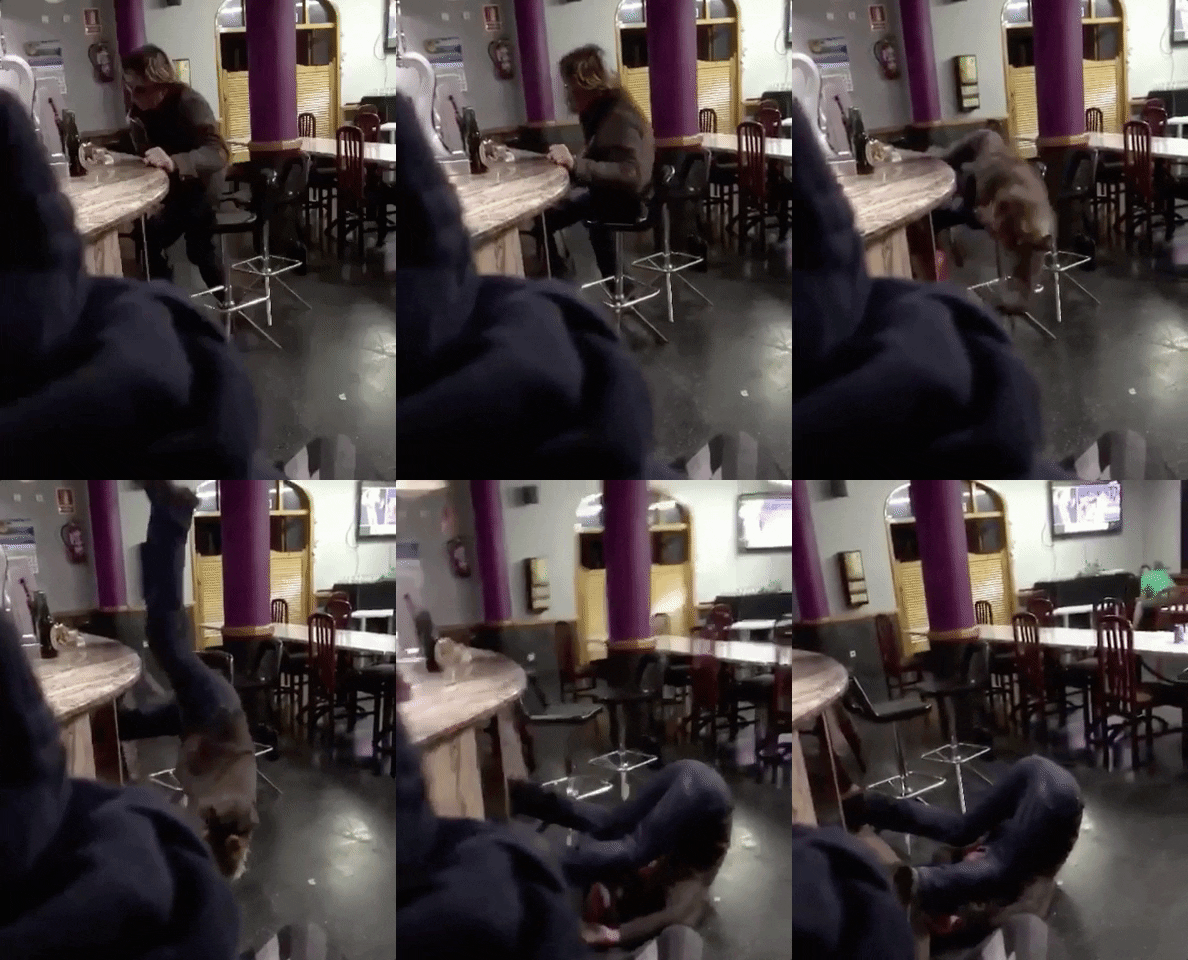
The B.S. team had gathered at Al's house for their monthly get-together. This time, Al had a surprise for them - a collection of fun and wacky drinks that he had been working on. The team eagerly...

On the morning of Solutio Day 2023, the employees of the website company Solutio gathered at a nearby Top Golf location for a day of team-building and friendly competition. The day started off...
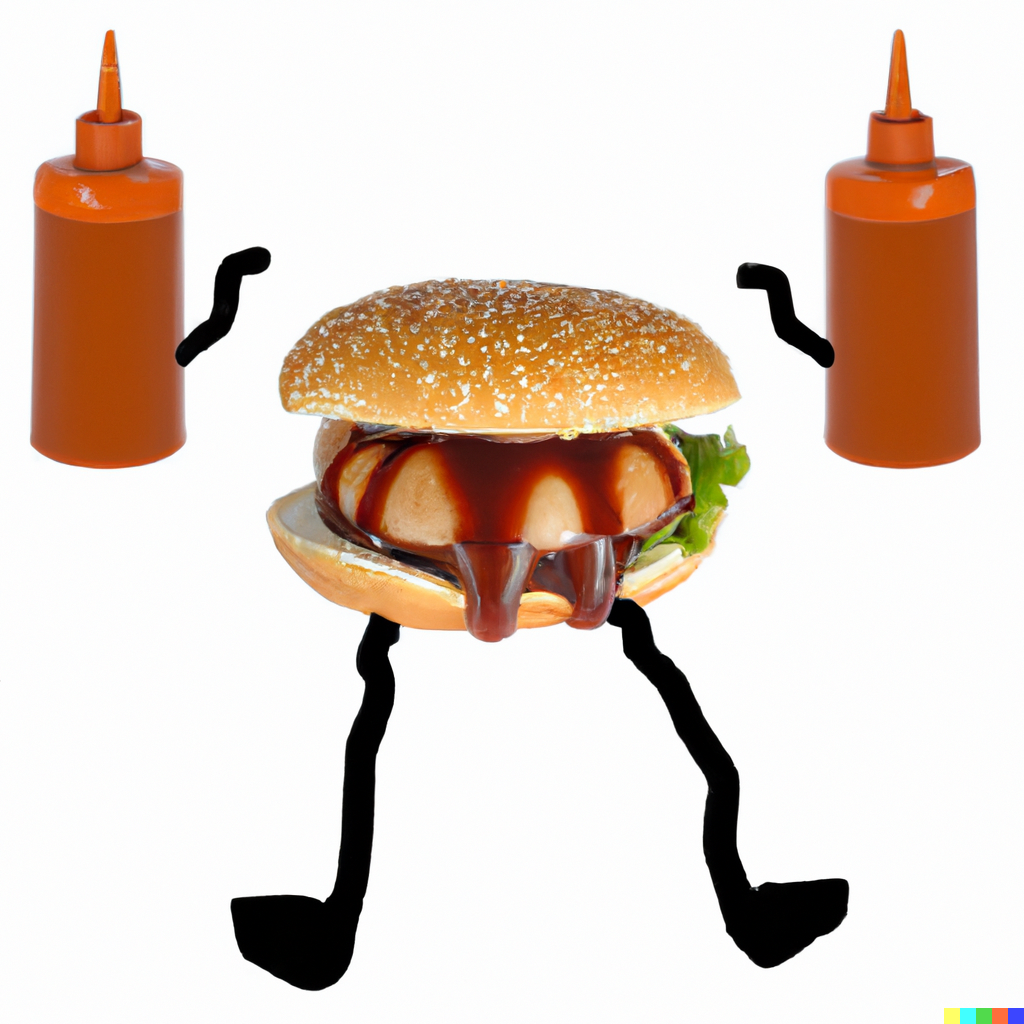
Once upon a time, in the town of Solutio, there was a group of hamburgers who loved nothing more than indulging in their favorite condiment - BBQ sauce. They would slather it on their patties and...

Once upon a time, the B.S. Team decided to take a trip to BS-Hanceville, a small town known for its quirky attractions. They arrived in town and immediately noticed a group of people running around...
Commonly changed variables for ph-sidepics-3
.site-1 {
--ph-title-color: var(--primary-color);
--ph-title-font-size-desktop: 1.7vw;
--ph-title-font: var(--title-font-family);
--ph-text-font-size-deskto: 1.2rem;
}
If you are looking to change more settings for a class use the inspect element to find the variable you are looking for
ph-sidepics-3 ph-card-mobile ph-standard ph-underline
The B.S. team had gathered at Al's house for their monthly get-together. This time, Al had a surprise for them - a collection of fun and wacky drinks that he had been working on. The team eagerly...
On the morning of Solutio Day 2023, the employees of the website company Solutio gathered at a nearby Top Golf location for a day of team-building and friendly competition. The day started off...
Once upon a time, in the town of Solutio, there was a group of hamburgers who loved nothing more than indulging in their favorite condiment - BBQ sauce. They would slather it on their patties and...
Once upon a time, the B.S. Team decided to take a trip to BS-Hanceville, a small town known for its quirky attractions. They arrived in town and immediately noticed a group of people running around...
Commonly changed variables for ph-sidepics-3
.site-1 {
--ph-title-color: var(--primary-color);
--ph-title-font-size-desktop: 1.7vw;
--ph-title-font: var(--title-font-family);
--ph-text-font-size-deskto: 1.2rem;
}
If you are looking to change more settings for a class use the inspect element to find the variable you are looking for
ph-sq-rows ph-standard ph-card-mobile
The B.S. team had gathered at Al's house for their monthly get-together. This time, Al had a surprise for them - a collection of fun and wacky...
On the morning of Solutio Day 2023, the employees of the website company Solutio gathered at a nearby Top Golf location for a day of team-building...
Once upon a time, in the town of Solutio, there was a group of hamburgers who loved nothing more than indulging in their favorite condiment - BBQ...
Commonly changed variables for ph-sq-rows
.site-1 {
--ph-width: 27vw;
    --ph-text-color: var(--primary-color);
    --ph-background-color: rgba(255,255,255,.8);
    --ph-title-text-transform: none;
    --ph-title-font: var(--body-font-family);
    --ph-title-weight: 700;
}
If you are looking to change more settings for a class use the inspect element to find the variable you are looking for
ph-lower-title ph-card-mobile ph-wide
Commonly changed variables for ph-lower-title
.site-1 {
--ph-title-color: var(--primary-color);
--ph-title-font-size-desktop: 1.7vw;
--ph-title-font: var(--title-font-family);
}
If you are looking to change more settings for a class use the inspect element to find the variable you are looking for
Commonly changed variables for ph-no-img-1
.site-1 {
--ph-title-color: var(--primary-color);
--ph-title-font-size-desktop: 1.7vw;
}
If you are looking to change more settings for a class use the inspect element to find the variable you are looking for
ph-photoblocknews ph-card-mobile ph-portrait
Commonly changed variables for ph-photoblocknews
.site-1 {
--ph-width: 20vw;
--ph-title-color: var(--primary-color);
--ph-title-font-size-desktop: 1.7vw;
--ph-background-color: rgba(var(--primary-rgb),.7);
}
If you are looking to change more settings for a class use the inspect element to find the variable you are looking for
ph-altview ph-17vw ph-card-mobile ph-back-slide
The B.S. team had gathered at Al's house for their monthly get-together. This time, Al had a surprise for them - a collection of fun and wacky drinks that he had been working on. The team eagerly...
On the morning of Solutio Day 2023, the employees of the website company Solutio gathered at a nearby Top Golf location for a day of team-building and friendly competition. The day started off...
Once upon a time, in the town of Solutio, there was a group of hamburgers who loved nothing more than indulging in their favorite condiment - BBQ sauce. They would slather it on their patties and...
Commonly changed variables for ph-altview
.site-1 {
--ph-title-color: var(--primary-color);
}
If you are looking to change more settings for a class use the inspect element to find the variable you are looking for
ph-twobytwo-desktop ph-card-mobile ph-portrait
Commonly changed variables for ph-twobytwo-desktop
.site-1 {
--ph-width: 20vw;
--ph-border-radius: 0;
--ph-box-shadow: var(--default-box-shadow);
--ph-title-color: var(--primary-color);
--ph-title-font-size-desktop: 1.7vw;
--ph-title-font: var(--title-font-family);
--ph-text-font-size-deskto: 1.2rem;
}
If you are looking to change more settings for a class use the inspect element to find the variable you are looking for
ph-img-title ph-card-mobile ph-portrait
Commonly changed variables for ph-img-title
.site-1 {
--ph-title-color: var(--primary-color);
--ph-title-font-size-desktop: 1.7vw;
--ph-title-font: var(--title-font-family);
--ph-text-font-size-deskto: 1.2rem;
}
If you are looking to change more settings for a class use the inspect element to find the variable you are looking for
ph-sq-5 ph-card-mobile ph-wide
The B.S. team had gathered at Al's house for their monthly get-together. This time, Al had a...
On the morning of Solutio Day 2023, the employees of the website company Solutio gathered at a...
Once upon a time, in the town of Solutio, there was a group of hamburgers who loved nothing more...
Commonly changed variables for ph-sq-5
.site-1 {
--ph-big-sq-width: 42vw;
--ph-box-shadow: var(--default-box-shadow);
--ph-title-color: var(--primary-color);
--ph-title-font-size-desktop: 1.7vw;
--ph-title-font: var(--title-font-family);
--ph-text-font-size-deskto: 1.2rem;
}
If you are looking to change more settings for a class use the inspect element to find the variable you are looking for
ph-rec-row ph-rec-row-3 ph-background-effect ph-card-mobile ph-wide
The B.S. team had gathered at Al's house for their monthly get-together. This time, Al had a surprise for them - a collection of fun and wacky drinks that he had been working on. The team eagerly...
On the morning of Solutio Day 2023, the employees of the website company Solutio gathered at a nearby Top Golf location for a day of team-building and friendly competition. The day started off...
Once upon a time, in the town of Solutio, there was a group of hamburgers who loved nothing more than indulging in their favorite condiment - BBQ sauce. They would slather it on their patties and...
Commonly changed variables for ph-rec-row
.site-1 {
--ph-border-bottom: 4px bottom var(--secondary-color) ;
--ph-title-color: var(--primary-color);
--ph-title-font-size-desktop: 1.7vw;
--ph-title-font: var(--title-font-family);
--ph-text-font-size-deskto: 1.2rem;
}
If you are looking to change more settings for a class use the inspect element to find the variable you are looking for
ph-columns-2 ph-card-mobile ph-standard
The B.S. team had gathered at Al's house for their monthly get-together. This time, Al had a...
On the morning of Solutio Day 2023, the employees of the website company Solutio gathered at a...
Commonly changed variables for ph-columns-2
.site-1 {
--ph-title-color: var(--primary-color);
--ph-title-font-size-desktop: 1.7vw;
--ph-title-font: var(--title-font-family);
--ph-text-font-size-deskto: 1.2rem;
}
If you are looking to change more settings for a class use the inspect element to find the variable you are looking for