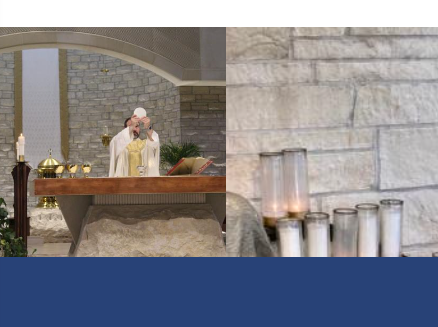
←
→
× ![]()
←
→
HTML and JS call for putting on pages that you want a gallery to display on.
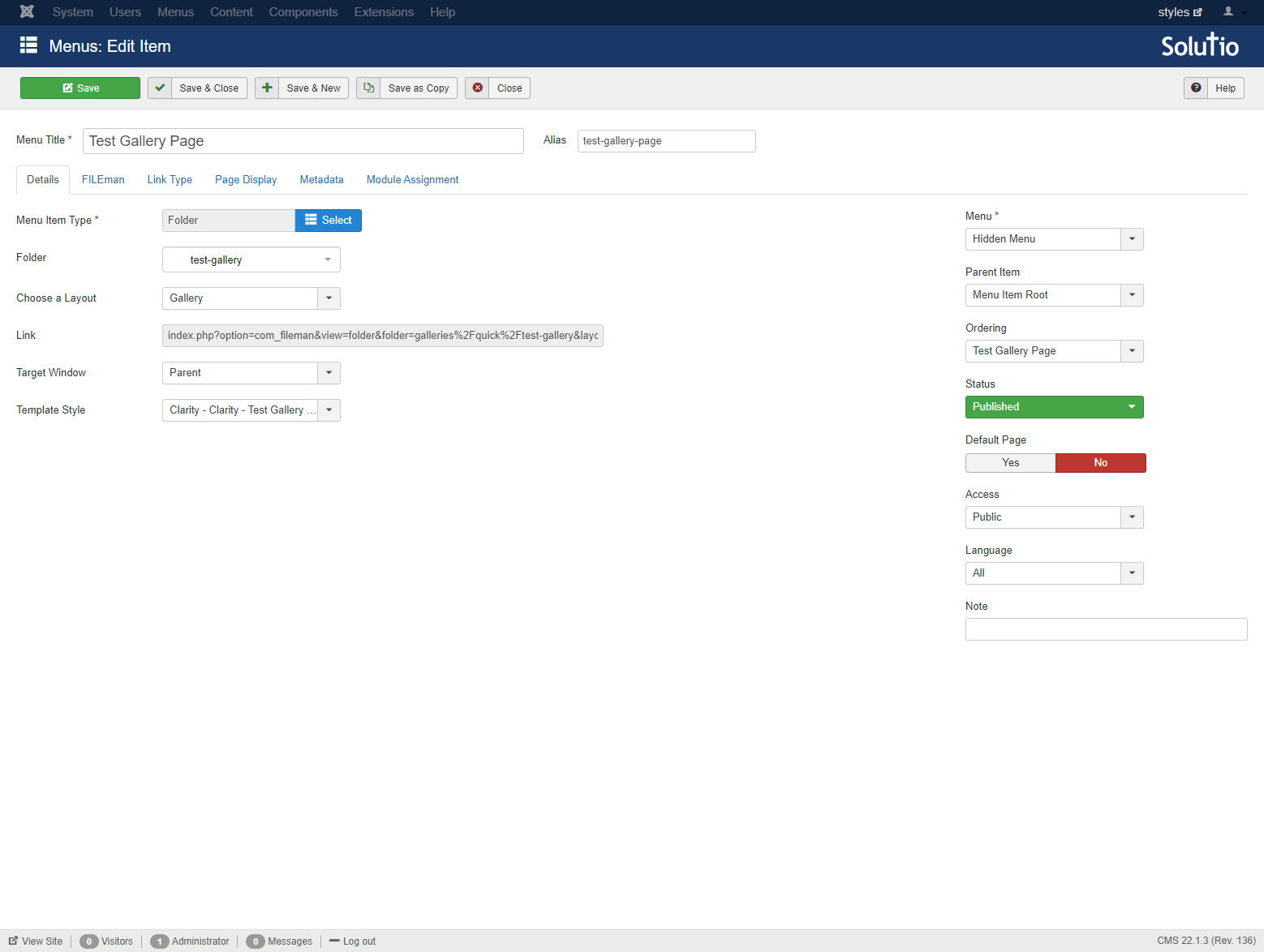
galleryURL is the page in the hidden menu that the gallery is displaying on
<div id="galleryHomeView">
<div class="arrow left">←</div>
<!-- Placeholder divs for images -->
<div class="gallery-images-container">
<div class="gallery-images"></div>
<div class="gallery-images"></div>
<div class="gallery-images"></div>
<div class="gallery-images"></div>
<div class="gallery-images"></div>
</div>
<div class="arrow right">→</div>
</div>
<!-- Modal structure -->
<div id="modal" class="gallery-modal">
<span class="close">×</span>
<img class="modal-content" id="img01">
<div class="modal-arrow left">←</div>
<div class="modal-arrow right">→</div>
</div>
<script>
setGallery(galleryURL = '/test-gallery-page');
</script>
The CSS for the gallery display can be found in the Base2 Default CSS file
#galleryHomeView {
	display: flex;
	align-items: center;
	position: relative;
	overflow: hidden;
	background: #000000;
}

.gallery-images-container {
	display: flex;
	flex-wrap: wrap;
	flex: 1;
	justify-content: space-between;
}

.gallery-images {
	flex: 1;
	height: 18vw;
	box-sizing: border-box;
	cursor: pointer;
	transition: all .3s ease-in-out;
}

#galleryHomeView.image-boxes-1 .gallery-images {
	max-width: calc(100% / 1);
}

#galleryHomeView.image-boxes-2 .gallery-images {
	max-width: calc(100% / 2);
}

#galleryHomeView.image-boxes-3 .gallery-images {
	max-width: calc(100% / 3);
}

#galleryHomeView.image-boxes-4 .gallery-images {
	max-width: calc(100% / 4);
}

#galleryHomeView.image-boxes-5 .gallery-images {
	max-width: calc(100% / 5);
}

#galleryHomeView.image-boxes-6 .gallery-images {
	max-width: calc(100% / 6);
}

#galleryHomeView.image-boxes-7 .gallery-images {
	max-width: calc(100% / 7);
}

#galleryHomeView.image-boxes-8 .gallery-images {
	max-width: calc(100% / 4);
	width: calc(100% / 4);
	flex: unset;
}

#galleryHomeView.image-boxes-9 .gallery-images {
	max-width: calc(100% / 9);
}

#galleryHomeView.image-boxes-10 .gallery-images {
	max-width: calc(100% / 5);
	width: calc(100% / 5);
	flex: unset;
}

.gallery-images:hover {
	padding: 1vw;
}

.gallery-images img {
	width: 100%;
	height: 100%;
	object-position: center;
	object-fit: cover;
	display: block;
}

.arrow {
	cursor: pointer;
	position: absolute;
	top: 50%;
}

.arrow.left { left: 0; }
.arrow.right { right: 0; }

/* Modal styles */
.gallery-modal {
	display: none;
	position: fixed;
	justify-content: center;
	align-items: center;
	z-index: 1000;
	left: 0;
	top: 0;
	width: 100%;
	height: 100%;
	overflow: auto;
	background-color: rgba(0,0,0,0.5);
	cursor: pointer;
}

.modal-content {
	display: block;
	background: black;
	padding: 1vw;
	width: 80%;
	max-width: 80vw;
	height: auto;
	max-height: 80vh;
	cursor: default;
}

.close {
	position: absolute;
	top: 20px;
	right: 35px;
	color: #fff;
	font-size: 40px;
	font-weight: bold;
	cursor: pointer;
}

.modal-arrow {
	cursor: pointer;
	position: absolute;
	top: 50%;
	color: #fff;
	font-size: 30px;
	font-weight: bold;
	user-select: none;
}

/* Prevent scrolling on the body when modal is open */
.body-no-scroll {
	overflow: hidden;
	height: 100%;
	width: 100%;
}

.modal-arrow.left { left: 0; }
.modal-arrow.right { right: 0; }
This is the menu item setup in the hidden menu that will display the gallery images