The default images Javascript loads default images for the rotator, news, hero, and grid images if there is not one added within the article.
To add default images:
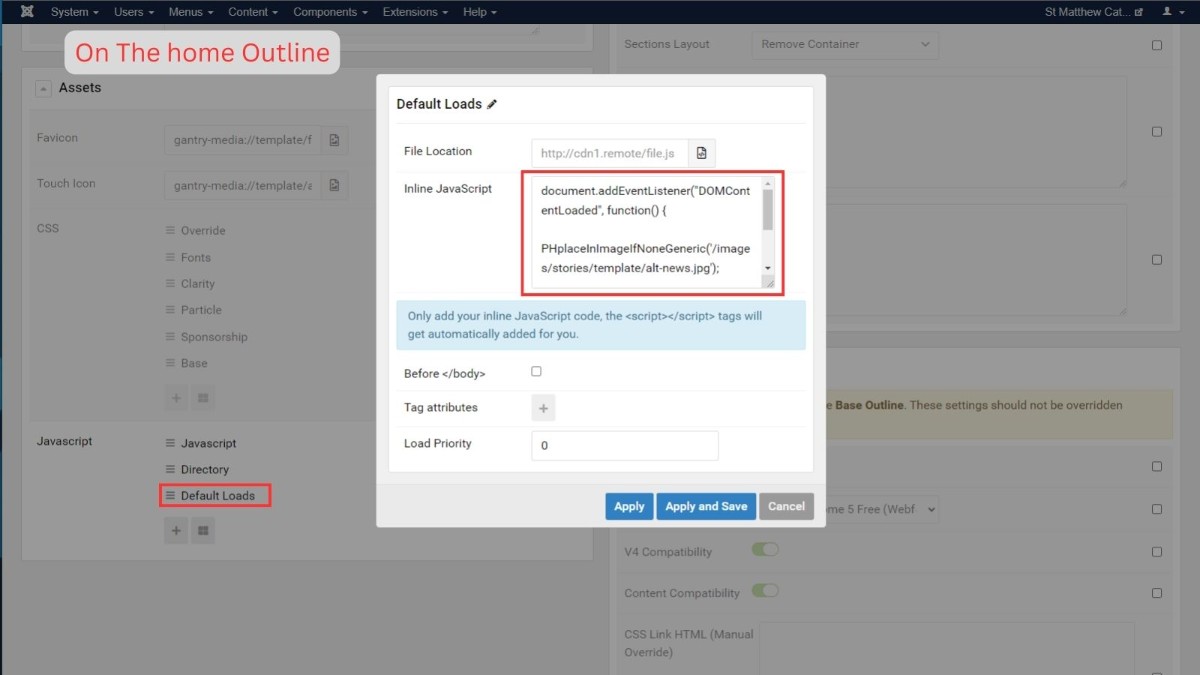
1. Add the javascript into the correct outline page settings within the gantry 5 templates
document.addEventListener("DOMContentLoaded", function() {

rotateAddPic();

 PHplaceInImageIfNoneGeneric('/images/stories/template/default-news.jpg');
 addImagePagination('/images/stories/template/default-news.jpg');
 runBottomRightHoverBox();
});
Add the grid default image javascript to the grid outline. This code runs the hero image and title, the default image code, and the grid default image code.
All Grid pages must use the grid outline for this to work
To remove the hero titles just delete the line: heroTitleOverlay();
You can also remove other code you may not need in the same way.
document.addEventListener("DOMContentLoaded", function() {
 runHeroLoader();
 gridImageAdd();
 heroTitleOverlay();
 sideMenuActive();
});
NOTE: Grids or news particles injected into articles using the module brackets , will need a div tag surrounding it with the correct classes and grid-addpic or ph-addpic id added. When modules are injected they don't pick up the classes from the module for some reason.
Here is an example of some HTML for the article:
<div id="grid-addpic" class="grid-tiles grid-square">

     <p></p>

</div>
To make the hero loader and default hero image work:
1. Create/check the hero module position in the base outline: Instructions
2. Add the Hero loader javascript into the page settings on the base outline
document.addEventListener("DOMContentLoaded", function() {
 runHeroLoader();
sideMenuActive();
});
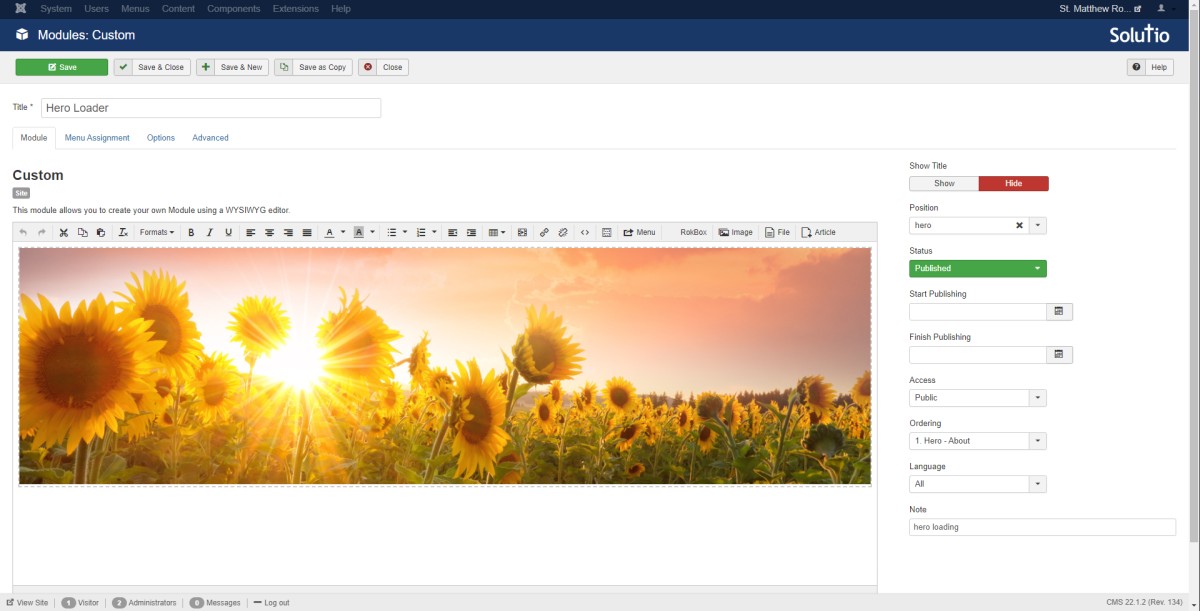
3. Create/check the hero image module
Here is an example of the module HTML code:
<div id="hero-grab"><img id="grid-hero" src="https://d36vx8kltw7b18.cloudfront.net/images/stories/library/hero/hero-default.jpg" alt="" /></div>
Make sure there is an image showing within the module. If it's not loading an image you will need to update the file path. This image may briefly show on slow browsers/connections.
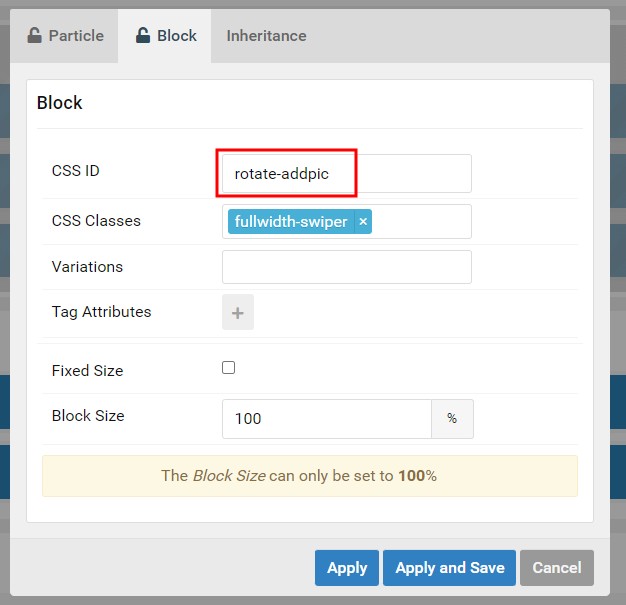
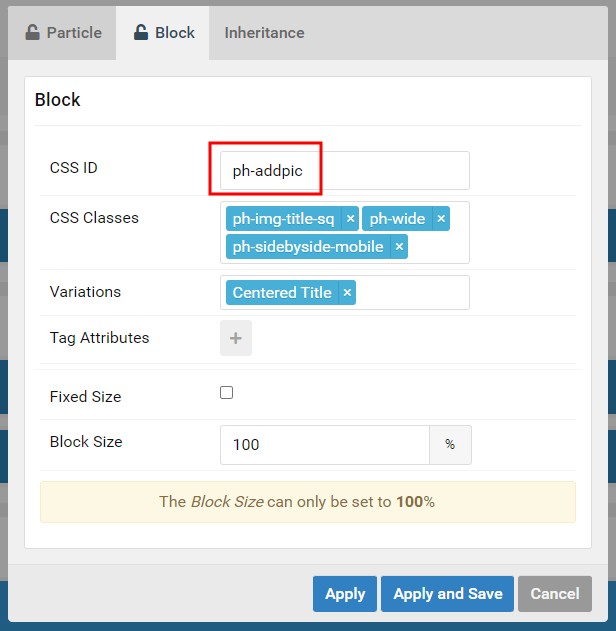
Add the correct CSS Id's to the news and parish headlines particles on the home outline
Rotator:
rotate-addpic
Default News Image:
ph-addpic
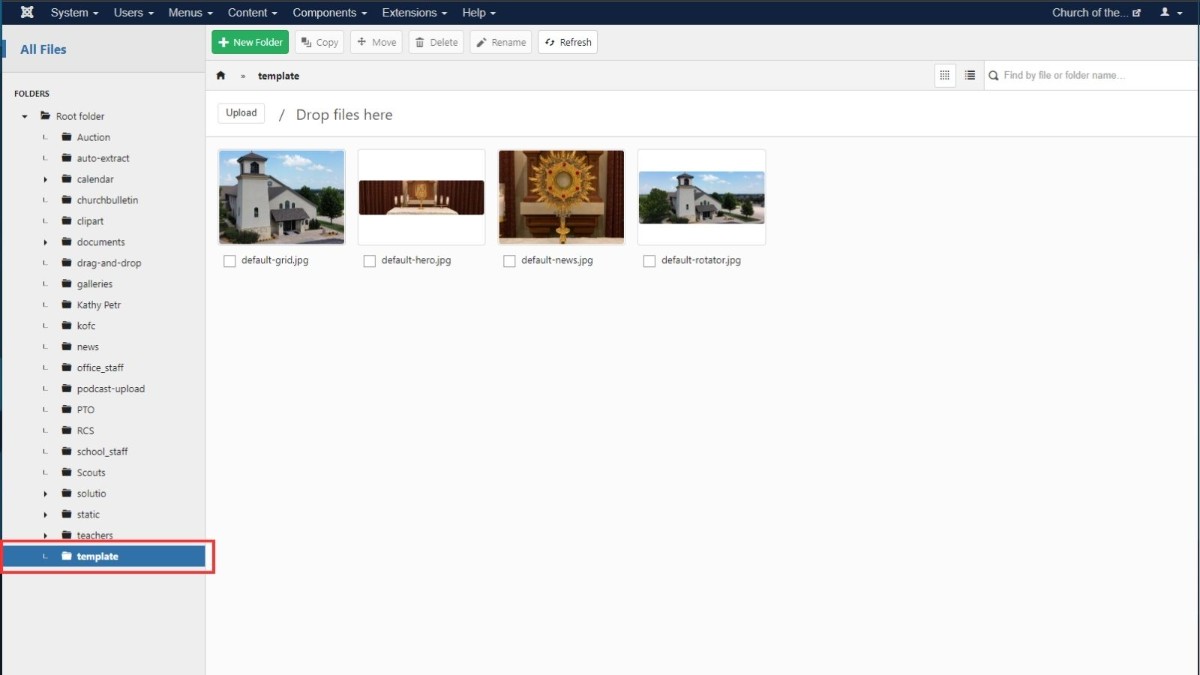
3. Add default images into the image manager within the template folder. The file path should be: /images/stories/template/default-example.jpg
- For redesigns the "template" folder may need to be created within the root folder
- The images should be named
- default-news.jpg
- default-hero.jpg
- default-rotator.jpg
- default-grid.jpg
- The size of the images should match the standard ratios that are used on the site